Railway Back Office
Reduced operator task time by 40% and onboarding time by 60% — by redesigning a legacy railway backoffice system with a component-driven design system aligned to Siemens brand standards.
redesign a complex, legacy backend tool — where every UI decision has safety implications — without disrupting active railroad operations?
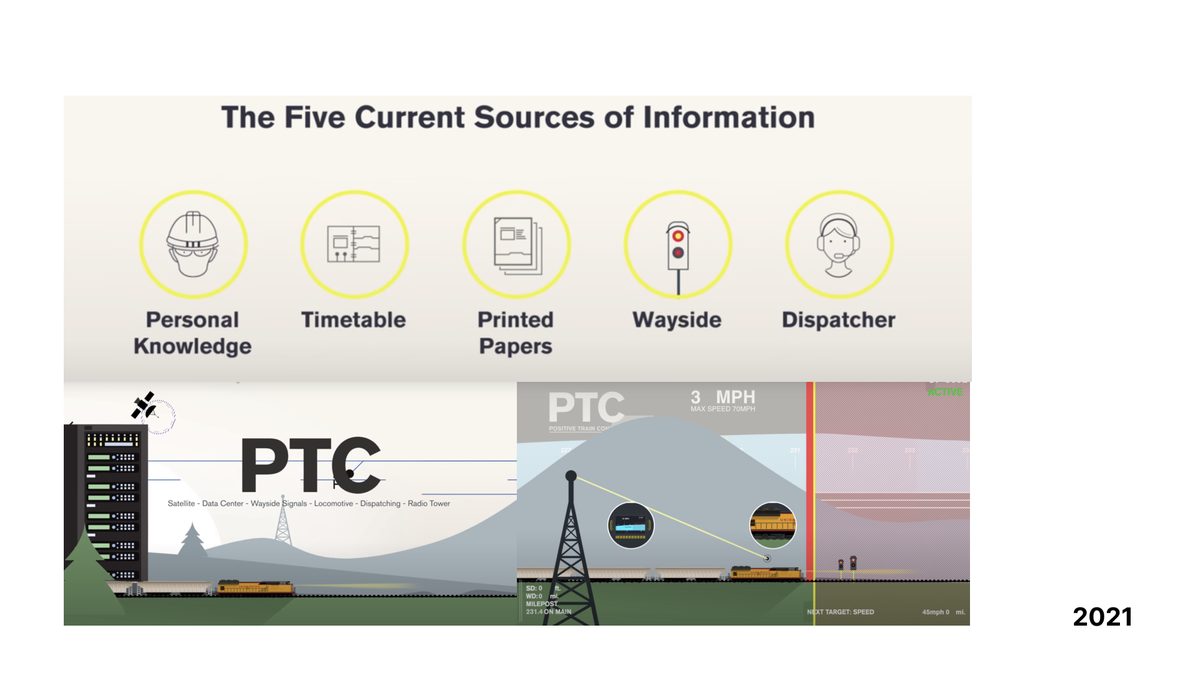
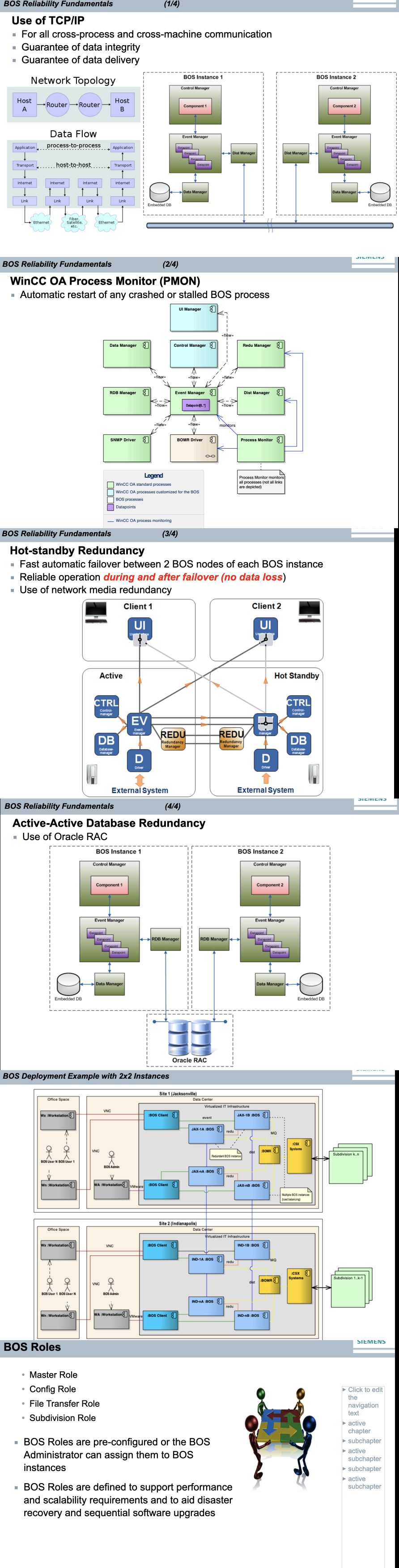
The PTC Backend Admin Server was a native C++ application with no design standards, cryptic error codes like CSX0256, and zero documentation for onboarding. A train collision made digital modernization non-negotiable — the stakes were not abstract.
The primary competitor (GE) had already set a high bar for usability. The existing interface couldn't be iterated — it needed to be rethought from the ground up, while operators continued to rely on it daily.
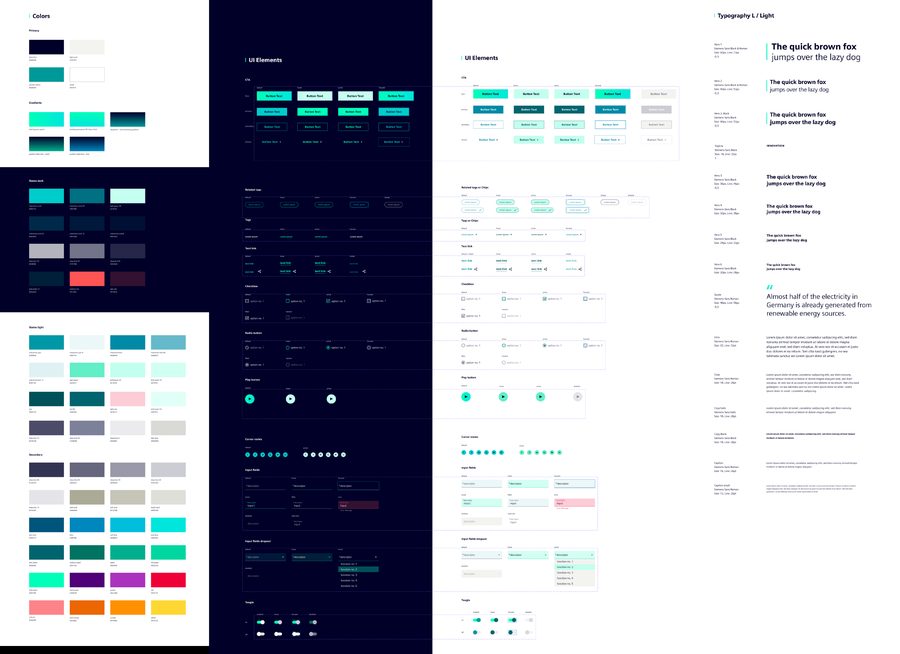
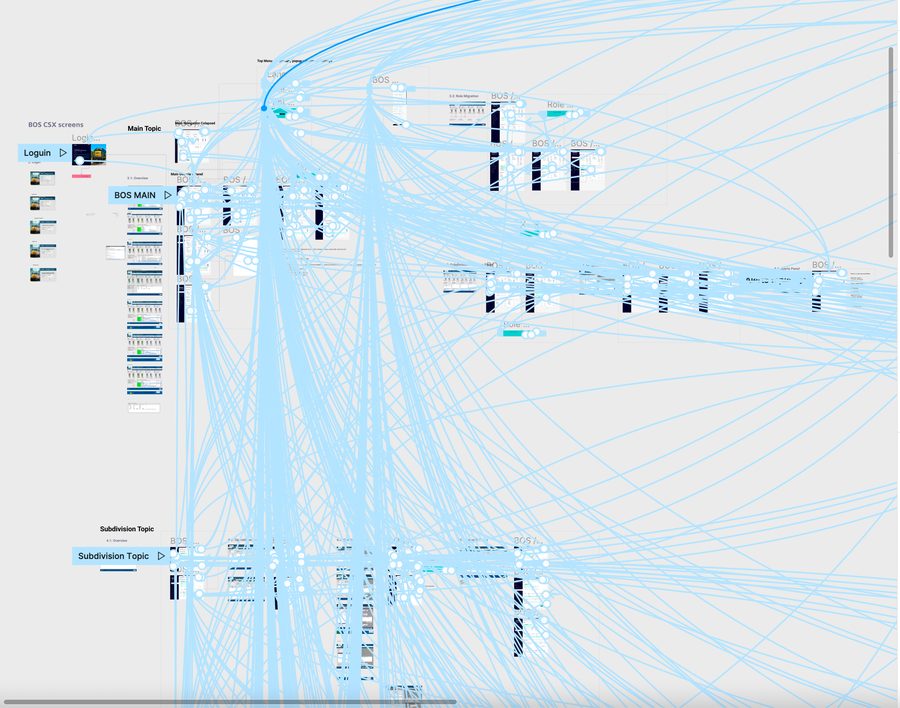
Introduced Scrum to a team that had never worked with it, establishing rhythm and predictability for a high-stakes redesign. Built a Material Design UI kit aligned to Siemens brand standards and Flutter-ready component specs using Atomic Design principles.
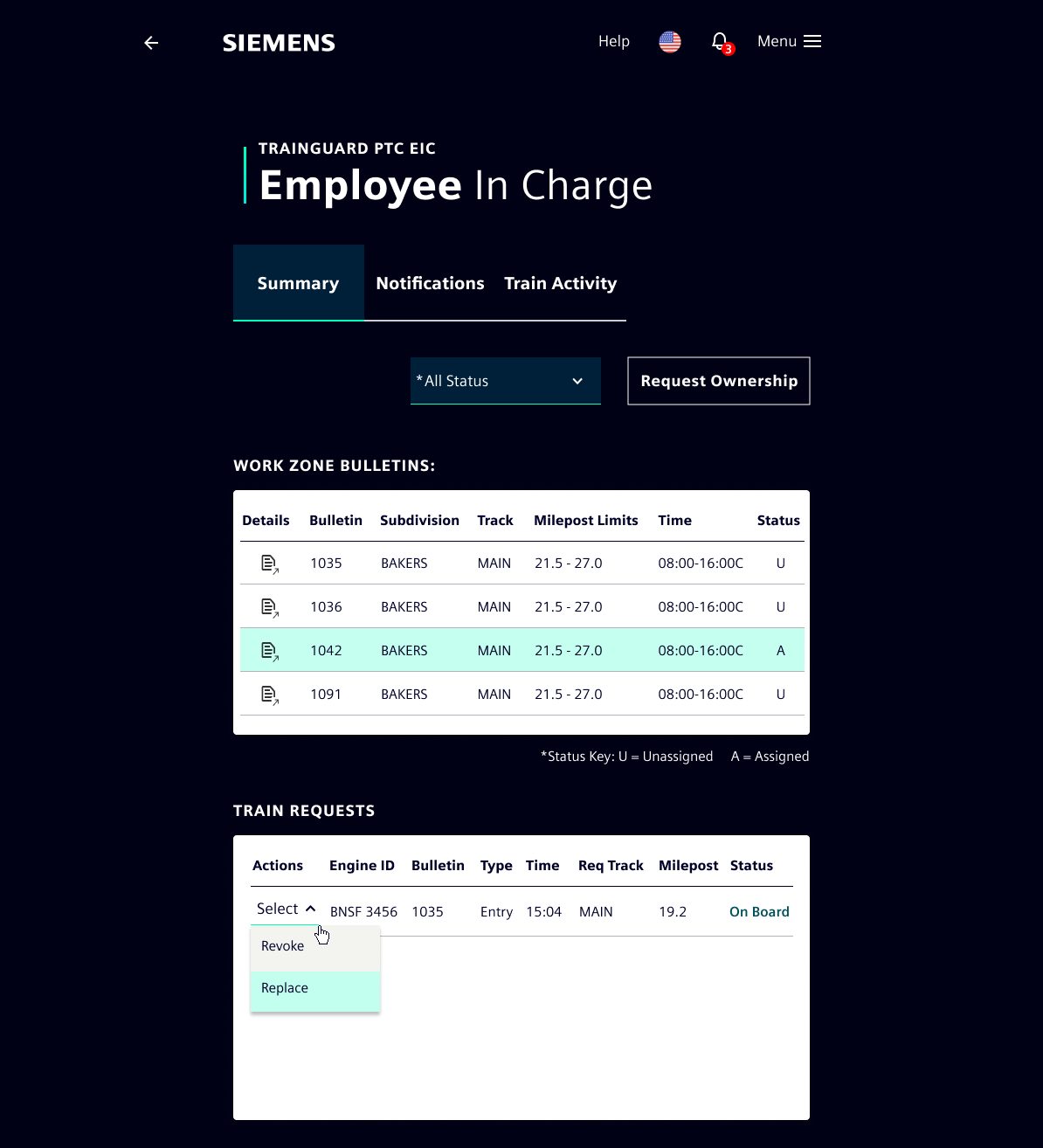
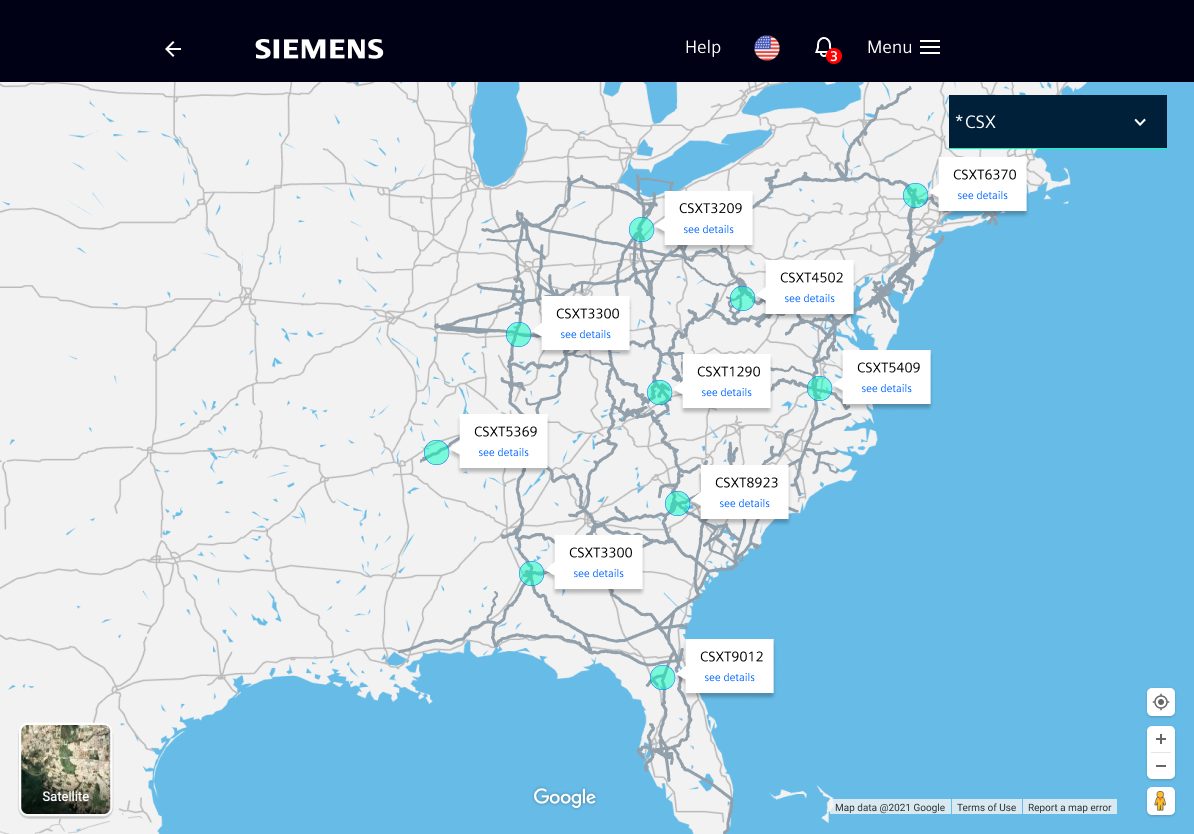
Dark and light themes. A fully navigable prototype for desktop review. A separate tablet solution for field workers who needed the same system in motion — on trains, on platforms, in variable light conditions.
Component Library as Design Hub
Force-directed graph showing how Material Design, Siemens brand standards, WCAG 2.1 AA, and Atomic Design converged into a single component library — then radiated to screens, themes, and delivery platforms. Drag any node.
Flutter had no mature desktop export tool. Rather than block delivery, I designed for web-resolution parity and used Figma + Zeplin for handoff — documenting the gap explicitly for the next phase. Transparency about tooling constraints is a design decision.
Doing this solo was the biggest constraint and the biggest lesson. I learned to ruthlessly prioritize what required design leadership versus what could be iterated through developer feedback. The output was cleaner for it — fewer opinions means fewer compromises.
One Week, One MVP, One Global Stage
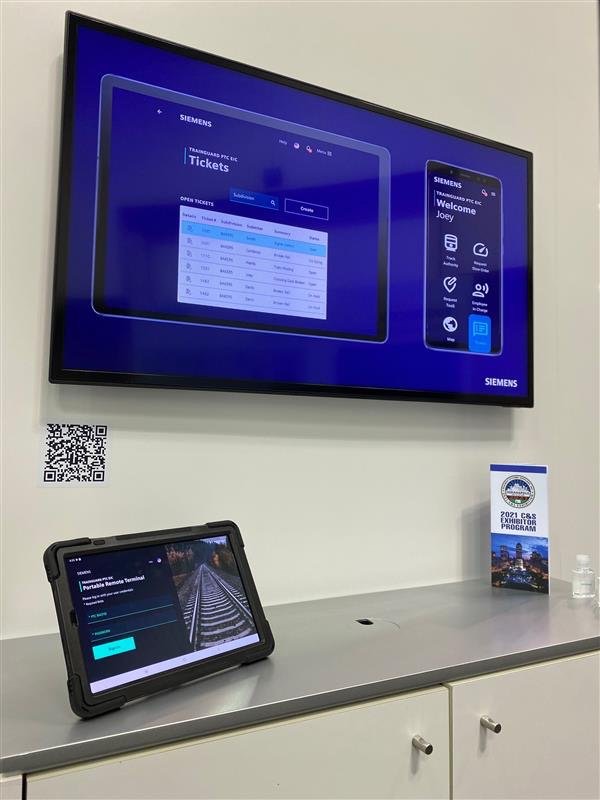
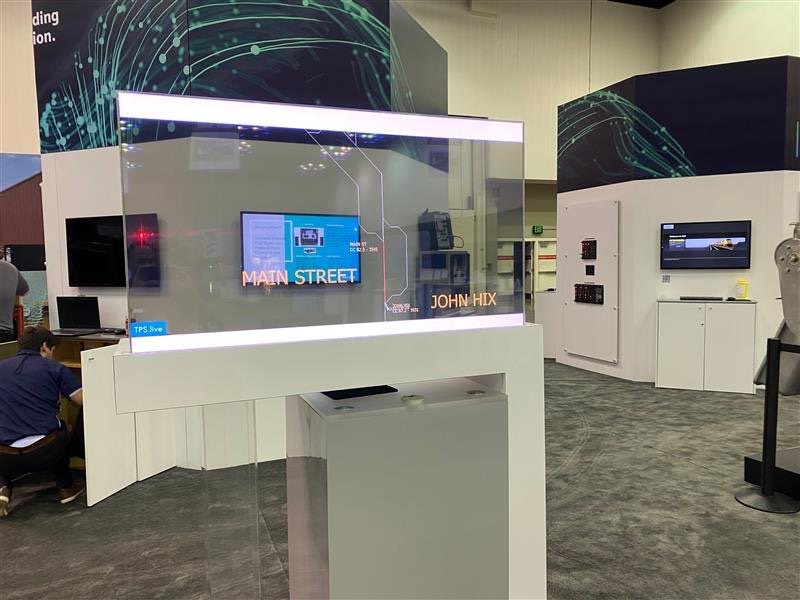
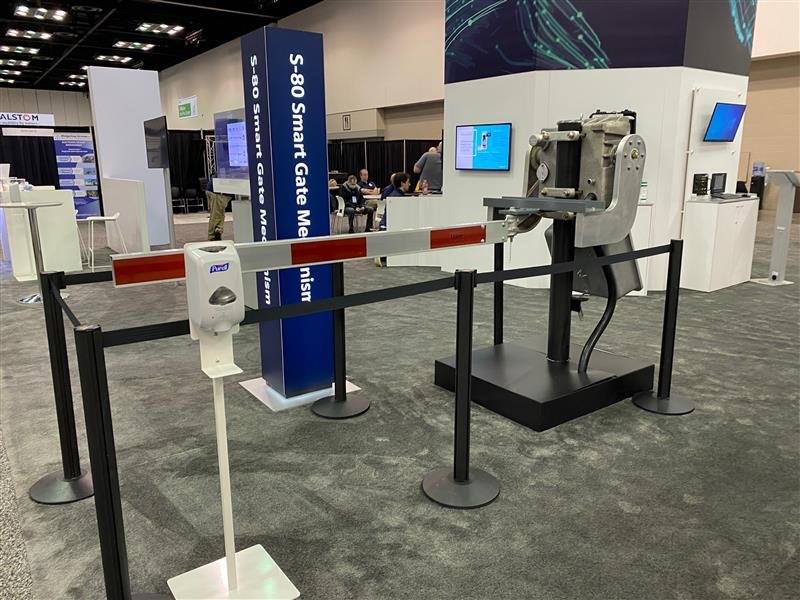
During a week-long on-site sprint, the team delivered a fully functional MVP for the C&S Transportation Signals Expo 2021. The prototype ran live on both a wall-mounted display and a ruggedized tablet — drawing significant interest from railroad operators and sparking the broader vision of merging the BOS tablet capability with the existing desktop platform.
BOS Tablet Design System
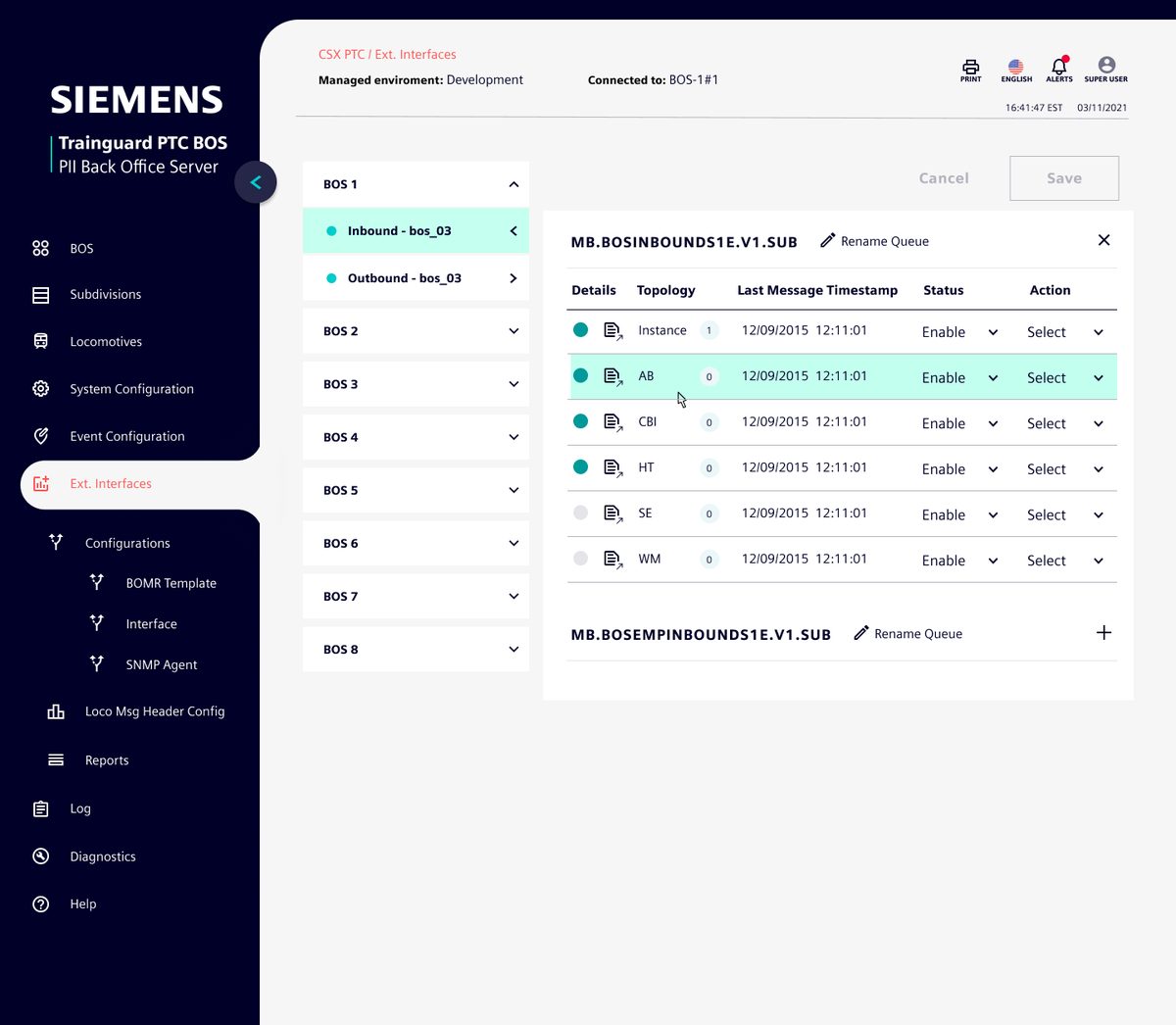
The Siemens Trainguard PTC BOS interface required a purpose-built component library designed for operators working in live railroad environments — dense data tables, real-time status indicators, and multi-level navigation across BOS nodes, subdivisions, and locomotives.
The palette is anchored in Siemens Petrol as the structural foundation, with a bright Interactive Teal reserved for live status and active selections. The dark sidebar creates clear spatial hierarchy, letting operators instantly orient within a complex information architecture without visual noise.
All components were designed for tablet-first use — generous touch targets, high contrast ratios for varying light conditions, and explicit active/inactive/error state coverage across every element.
Interactive BOS Tablet Prototype
Full-fidelity interactive prototype of the Trainguard PTC BOS tablet interface. Navigate BOS nodes, explore the queue manager, and interact with the subdivision topology — exactly as operators would experience it in the field.